The Flat Moment
For decades the first meeting happened on a small monitor, angled away, in grayscale, over in seconds. Parents leaned in and squinted at the most important image of their lives.

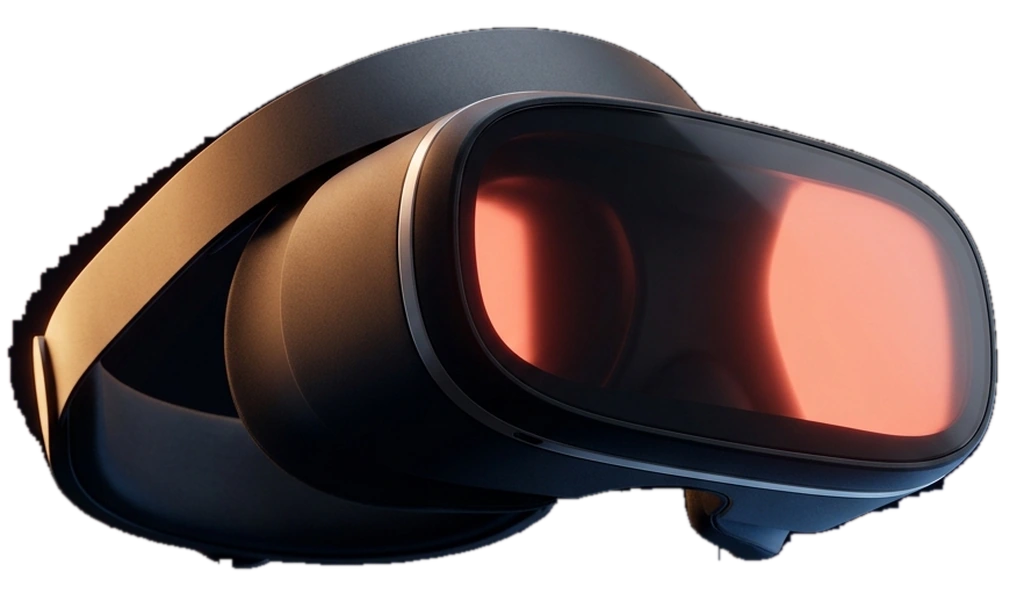
SOVAR takes the picture from the ultrasound machine you already own and sends it, over your own Wi-Fi, to VR glasses the mother wears. She stops watching a monitor across the room and sees her baby in front of her.
Or look at the plans first: See the plans
For decades the first meeting happened on a small monitor, angled away, in grayscale, over in seconds. Parents leaned in and squinted at the most important image of their lives.
SOVAR captures the cart's HDMI output and streams it live to a headset over your own network. The physician scans exactly as always. The mother simply sees it the way it deserves to be seen.
rtsp://192.168.1.24:8554/live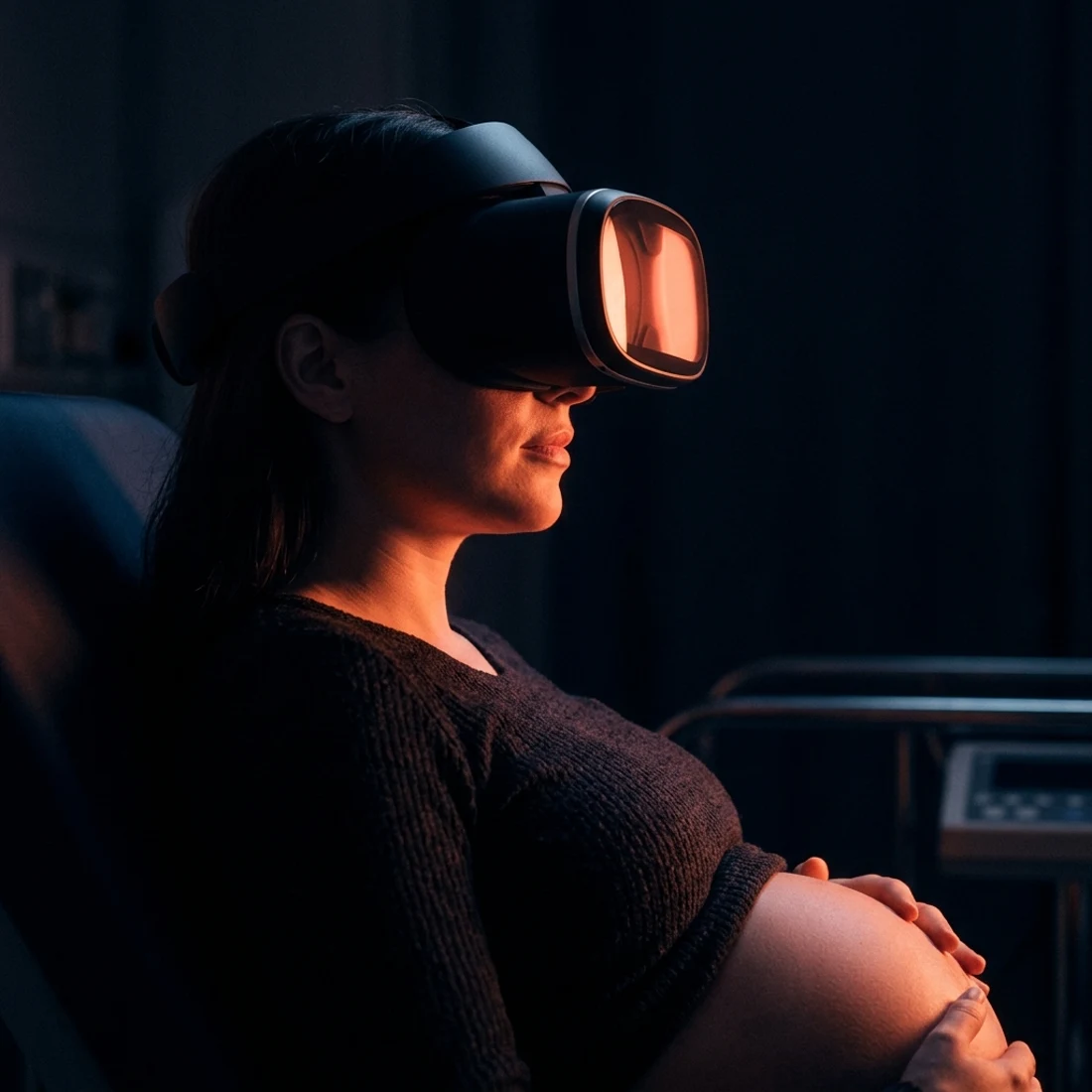
Mothers don't describe the machine. They describe the moment they saw their baby everywhere they looked. That's the story that fills your waiting room.
Illustrative renderThe glasses show the scan as it happens: the same picture on your screen, at the same moment.
Any ultrasound with a video output, one small adapter and two phones. SOVAR checks the picture before you start.
Nothing is uploaded, recorded or stored. The picture exists on your own Wi-Fi during the session and then it is gone.
Five quality settings, down to a phone hotspot, so the picture stays smooth on whatever connection the clinic has.
The glasses find the picture by themselves. No addresses or settings in front of a patient.
Five quality settings down to a phone hotspot, and one-tap fixes when the room’s Wi-Fi struggles.
The desktop station for your clinic's Windows PC
You need an account to download
Windows 10 or later (64-bit)
-fixed double session usage issue
Already have an exported ultrasound video? Upload it and we'll turn it into a 360° VR film on YouTube, watchable on any phone and shareable with the whole family.
Try SOVAR CloudLeave your name and number. We call you back, answer your questions and tell you what your rooms need.