Download SOVAR
The desktop station for your clinic's Windows PC
v1.0.3
Windows 10 or later (64-bit)
System Requirements
- Operating system
- Windows 10+ (64-bit)
- Processor
- Intel or AMD, 2 GHz+
- Memory
- 4 GB RAM min, 8 GB recommended
- Storage
- 500 MB available
- Internet
- Required for activation
Set Up Your Room
When the Shipment Arrives
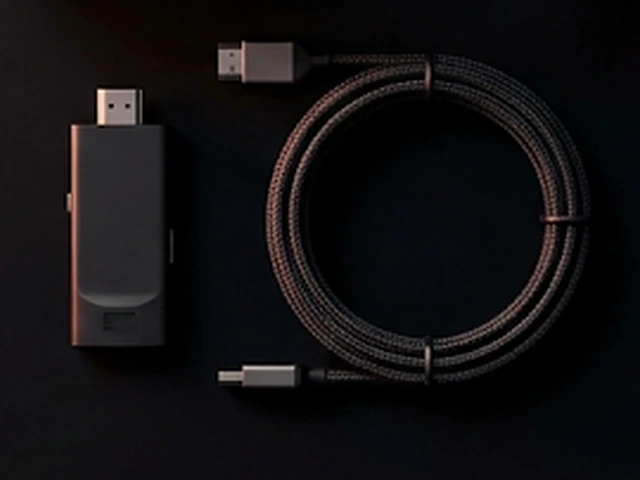
Two cables and you're wired:
HDMI from the ultrasound machine into the capture card. The capture card's USB into your Windows PC.
Install the SOVAR desktop station on that PC.
Use the download button on this page. Installation takes about a minute.
Go Live
Open SOVAR on the PC. Pick the quality preset that fits your network in Settings. Press Go Live.
Connect the Viewer
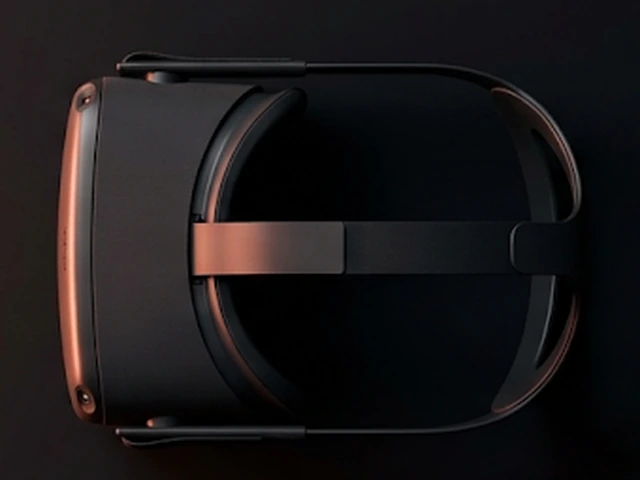
Open the SOVAR app on your Android phone or headset
Get it on Google Play The app finds the stream automatically. Or copy the stream URL from the desktop. Tap Connect.
Hand Her the Headset
That's the whole setup. From here, every session is: press Go Live, hand over the headset.
If anything resists, our support team walks you through it.
Welcome to SOVAR, where ultrasound becomes presence.
Warm regards,
The VAROS team