
01
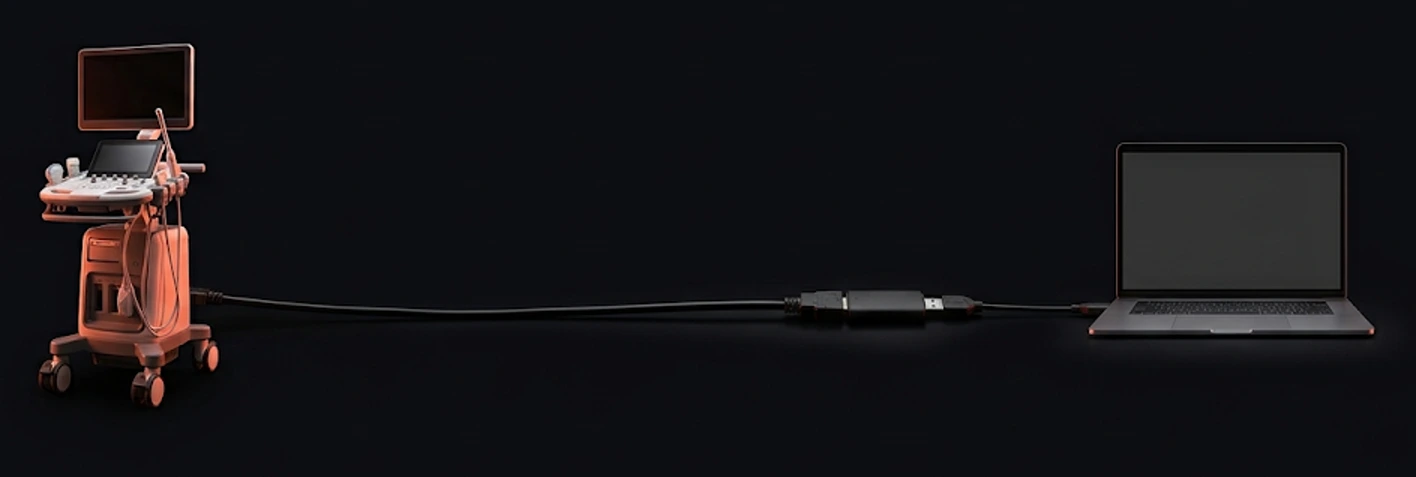
Wire the cart
Your ultrasound machine's HDMI output goes into a USB capture card, and the capture card goes into the clinic PC. Two cables, no changes to the machine you already scan with.
SOVAR streams the ultrasound live into a VR headset over your clinic's own Wi-Fi, a full 360° around her. The mother sees her baby the moment you do.
Step 1 of 5
SOVAR is a desktop station for your clinic PC. It takes the live feed from the ultrasound cart you already own and streams it privately, on your own network, to a VR headset on the mother's head.
This is the actual app, not a mockup of promises.
rtsp://192.168.1.24:8554/liveConnect to your SOVAR streamer to begin.
rtsp://192.168.1.24:8554/live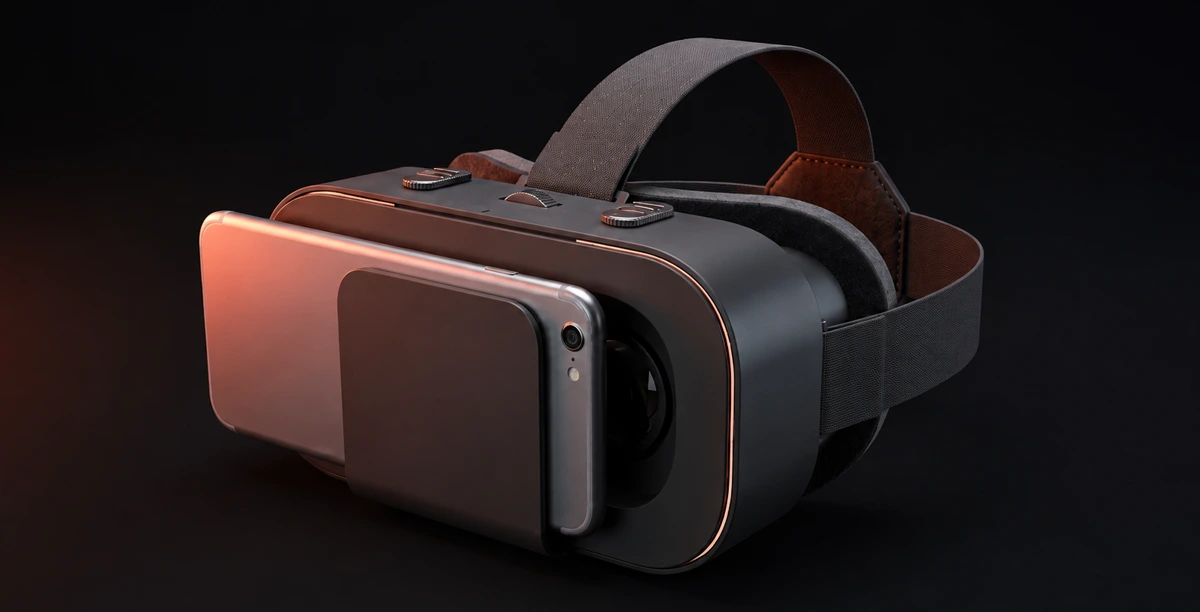
Your ultrasound machine's HDMI output goes into a USB capture card, and the capture card goes into the clinic PC. Two cables, no changes to the machine you already scan with.
SOVAR lists every capture device on the PC, sorts USB capture cards first, and tests the feed with a real captured frame before a patient is in the room.
Five presets tuned for clinic networks. SOVAR detects your GPU and encodes on hardware when it can. Medium (720p60) fits most rooms.
One button. A 20-minute session starts, the stream comes up on your local network, and the live preview confirms what she's about to see.
Open SOVAR on the phone. It finds the stream on your Wi-Fi by itself. Tap Connect, or paste the stream URL if you would rather.
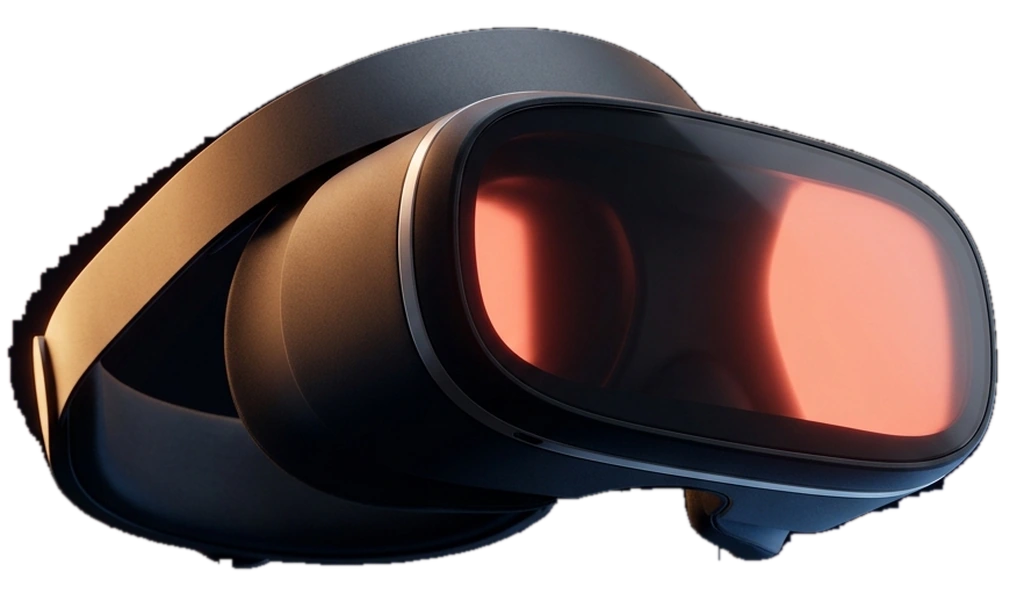
The phone goes into the VR glasses and onto her head. The scan fills her view, live and private and hers.
Your ultrasound machine's HDMI output goes into a USB capture card, and the capture card goes into the clinic PC. Two cables, no changes to the machine you already scan with.
SOVAR lists every capture device on the PC, sorts USB capture cards first, and tests the feed with a real captured frame before a patient is in the room.
Five presets tuned for clinic networks. SOVAR detects your GPU and encodes on hardware when it can. Medium (720p60) fits most rooms.
rtsp://192.168.1.24:8554/liveOne button. A 20-minute session starts, the stream comes up on your local network, and the live preview confirms what she's about to see.
Connect to your SOVAR streamer to begin.
rtsp://192.168.1.24:8554/liveOpen SOVAR on the phone. It finds the stream on your Wi-Fi by itself. Tap Connect, or paste the stream URL if you would rather.
The phone goes into the VR glasses and onto her head. The scan fills her view, live and private and hers.
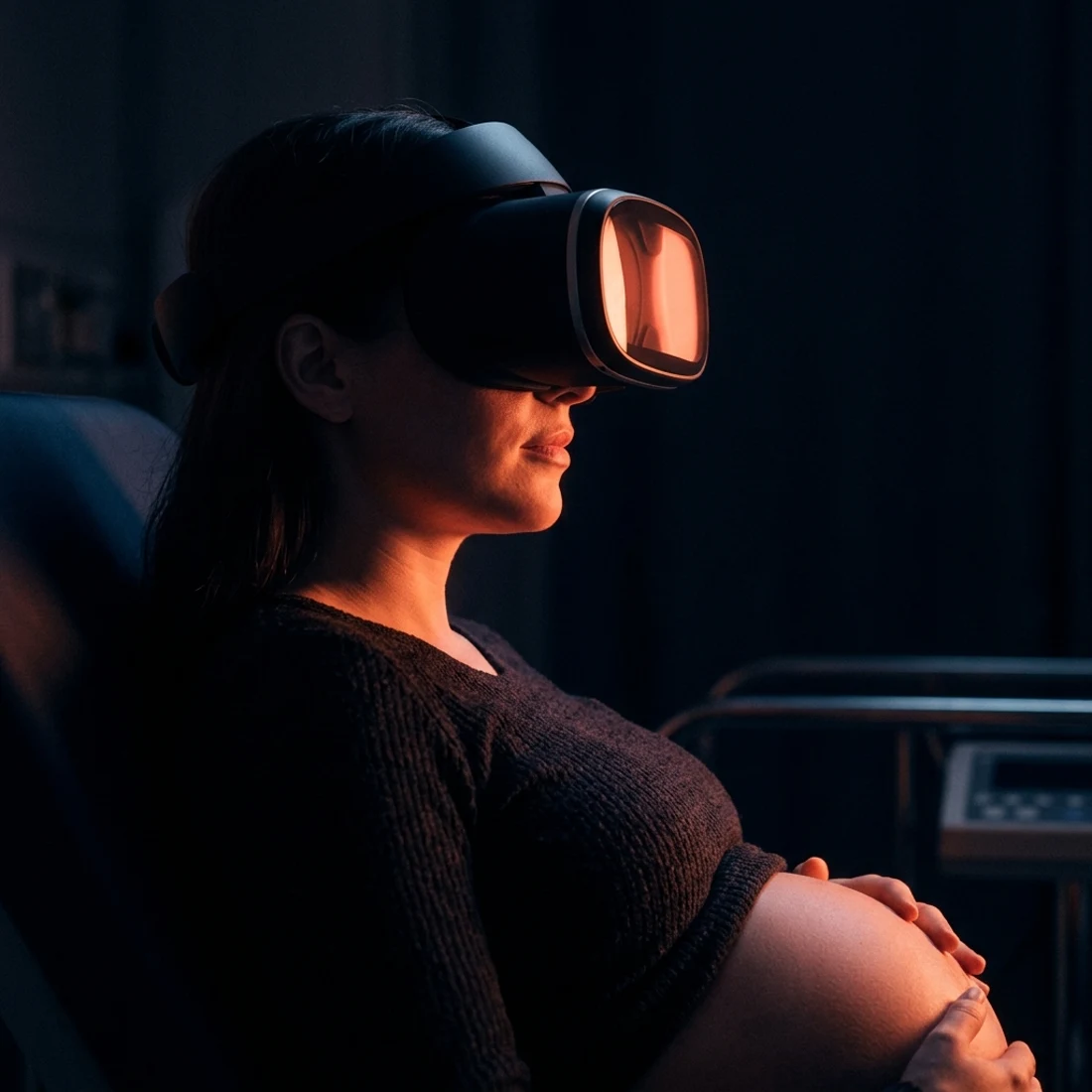
The scan is no longer a grey rectangle on a cart across the room. It is the only thing she can see, moving and live and hers, while you keep scanning exactly the way you always have.
Illustrative render: SOVAR session in a clinic roomSOVAR Cloud turns an exported ultrasound video into a 360° VR film on YouTube, watchable on any phone and shareable with the whole family.
Live in the room, or shareable after it. Most clinics end up with both.
Clinics & imaging centers
Families & remote viewing
Your existing ultrasound cart, a Windows PC, and a capture card. No new imaging hardware, no workflow changes.
The stream never touches the internet. It lives and dies on your clinic's Wi-Fi, inside a 20-minute session.
From 1 Mbps hotspot mode to 1080p60, with one-click fixes when the room's Wi-Fi misbehaves.
Mothers don't describe the scan. They describe the moment. That story travels further than any ad.
Pick a plan, plug in the cart, and give the next mother in your clinic a first look she'll retell for years.
Measurement on this site
We would like to use cookies to measure how the site is used and how our ads perform. Nothing is set until you choose. You can change your mind at any time. Read our privacy policy